




Follow-up automation solutions exist because most sales don't close on the first touch. In fact, 38% of reps never follow up after the first contact, yet B2B deals typically require between two and six touches before conversion. If your team is managing follow-up manually, some of those touches are not happening. The question is how many deals you are losing because of it.
This article covers 7 best follow-up automation solutions in 2026, what to look for before choosing one, and a breakdown of what each platform does well and where it falls short.
Key Takeaways
- Most deals require multiple follow-up touches before a conversion, and manual follow-up breaks down at scale because it depends entirely on individual rep discipline
- The right follow-up automation solution depends on your channel mix, whether that is email, SMS, phone, or a combination
- Behavior-adaptive follow-up consistently outperforms fixed-schedule sequences because it responds to what the prospect actually does rather than what you assumed they would do
- Custom solutions built around your specific workflow will outperform generic platforms for businesses with complex or high-stakes pipelines
What to Look for in a Follow-Up Automation Solution
Before you start comparing platforms, figure out where your follow-up is actually breaking down. Is it that sequences never go out consistently? Do prospects fall off after the second touch? That you have no visibility into who is engaging and who is not? The answer to that question should drive every decision that follows.
- Match the solution to your channel mix: If your follow-up happens across email, SMS, and phone, you need a platform that handles all three from a single workflow. If you are running high-volume email-only outreach, a dedicated cold email tool will outperform a general-purpose CRM for this use case.
- Check whether sequences adapt or just execute: There is a real difference between a tool that fires follow-up three on day seven regardless of what happened on days one through six, and one that adjusts the next message based on how the prospect actually responded. Behavior-adaptive follow-up consistently produces better results.
- Ask what happens after setup: Most vendors hand over a configured platform and step back. If your pipeline changes or the system needs adjustment, that work falls on your team. For businesses that need ongoing support, a vendor that stays involved after go-live matters more than features alone.
Tool vs. Custom System: What Is the Difference?
Most follow-up automation tools are self-serve products built for the broadest possible market. You configure them, connect your CRM, and work within the platform's limits. When your workflow does not fit the template, you adapt your workflow.
A custom system works the other way around. It is built around how your team already operates, which means the follow-up logic, channel mix, and data handling are all specific to your business. The tradeoff is a higher initial investment and a discovery process before anything goes live. The advantage is a solution that fits and provides ongoing support as your pipeline evolves.
7 Best Follow-Up Automation Solutions in 2026
The solutions below cover the main follow-up automation use cases, from behavior-adaptive email and SMS sequences to CRM-integrated automation and high-volume cold outreach.
Note: We Capture Sales is not a platform you sign up for and configure yourself. It is a custom AI system built around how your business actually operates, designed for teams whose follow-up needs go beyond what any off-the-shelf product can handle.
1. We Capture Sales
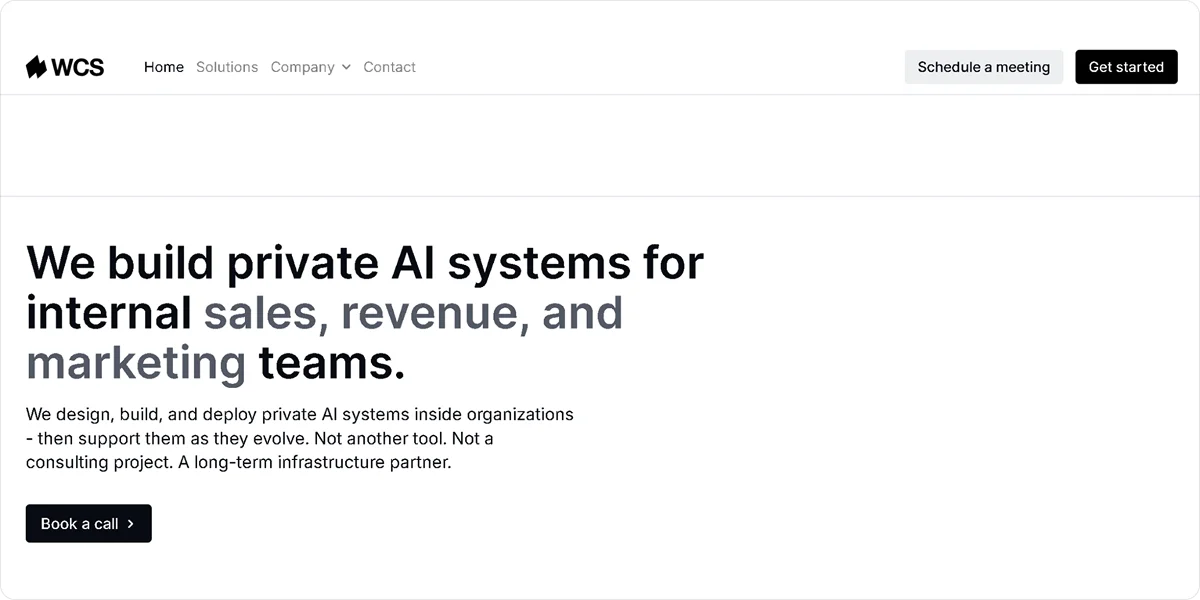
We Capture Sales takes a different approach compared to traditional follow-up automation platforms. Rather than offering a plug-and-play tool, it builds fully customized AI systems tailored to your follow-up processes, data, and workflows. Every implementation starts with a one-on-one discovery call to ensure the system fits how your team operates before anything is built.
Use We Capture Sales if:
- You want to replace or upgrade your entire follow-up system rather than add another disconnected tool
- Your pipeline has complex workflows or internal data that generic platforms cannot accommodate
- You need follow-up automation built specifically around your business rather than a one-size-fits-all product
- You care about long-term automation infrastructure with ongoing support after go-live
Best for: Scaling companies, operations-heavy teams, and businesses building go-to-market systems that need more than a standard SaaS platform can deliver.
Key Features
- CRM and CSV ingestion: Pulls existing contact data directly from your CRM platform or uploaded CSV files without manual reformatting or data cleanup
- Behavior-adaptive sequences: Adjusts email and SMS follow-ups automatically based on how each prospect responds, rather than running on a fixed schedule
- Prospect routing: Converts engaged contacts into booked meetings through embedded Calendly links or direct website routing without manual handoff
- Multichannel coordination: Coordinates email and SMS follow-up from a single system so every channel informs the next touch
- Private data environment: Hosts all client data on isolated, AWS-based infrastructure that is never sold, shared, or used to train public AI models
Pros
- Builds follow-up logic around your specific workflow rather than requiring you to adapt to generic software
- Provides ongoing support and system refinement after go-live as your pipeline changes
- Operates every client in a fully isolated data environment with no third-party data sharing
Cons
- Requires a one-on-one discovery call before implementation begins, adding lead time before the system goes live
Pricing
We Capture Sales pricing starts at a $2,000 startup fee plus $750 per month plus usage for Pipeline Revival, which covers the core follow-up automation use case. Market Miner, which supports contact data for outreach campaigns, starts at a $950 startup fee plus $750 per month plus usage. Pricing is subject to change based on each client's specific requirements.
Not best for: Businesses looking for a self-serve, instant setup tool with no onboarding process.
2. Lemlist
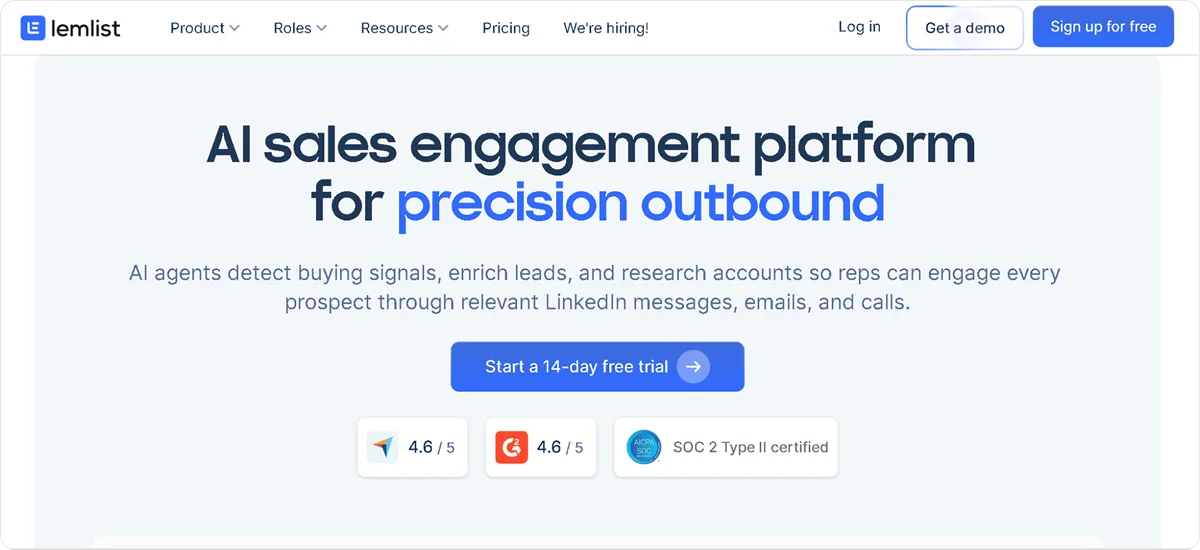
Lemlist is a multichannel sales outreach platform built for teams that want follow-up sequences to feel personal rather than automated. It lets you embed custom images, dynamic variables, and LinkedIn steps directly into your follow-up workflows, giving each touch a one-to-one feel even at scale.
Key Features
- Multichannel sequencing: Combines email, LinkedIn connection requests, profile visits, messages, and phone tasks into a single follow-up workflow
- Visual personalization: Inserts custom images with the prospect's name, company logo, or other dynamic elements automatically into follow-up emails
- Condition-based flows: Routes prospects through different follow-up paths based on whether they opened, clicked, replied, or ignored the previous touch
- Email warmup: Runs Lemwarm on all connected sending accounts to build sender reputation and protect deliverability
- CRM integration: Syncs follow-up activity, replies, and sequence status with HubSpot, Salesforce, and Pipedrive
Pros
- Stands out in crowded inboxes through visual personalization without requiring manual customization per contact
- Runs email, LinkedIn, and phone follow-up from a single workflow, reducing tool switching across channels
- Offers a 14-day free trial on all plans without requiring a credit card
Cons
- Reserves LinkedIn automation and condition-based sequences for the Multichannel Expert plan, limiting the Email Pro plan for most real follow-up use cases
- Scales costs per user, making it significantly more expensive than flat-fee alternatives for teams larger than one or two people
Pricing
Lemlist pricing starts at $79 per user per month for the Email Pro plan on monthly billing, or $63 per user per month on annual billing. A 14-day free trial is available on all plans.
Not best for: Teams running high-volume email-only follow-up, where flat-fee alternatives deliver significantly more outreach capacity at a lower total cost.
3. Woodpecker
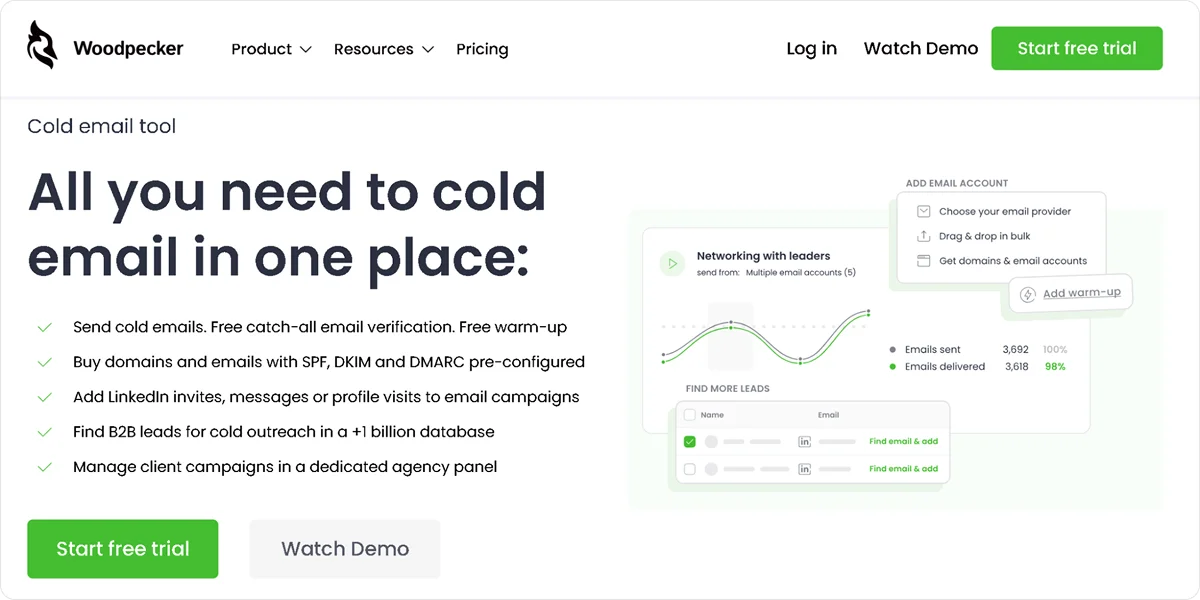
Woodpecker is a cold email and follow-up automation platform built for B2B outreach teams that need reliable, deliverable sequences across multiple inboxes. It focuses on doing one thing well: sending consistent, deliverable follow-up sequences without per-seat pricing that punishes team growth.
Key Features
- Unlimited follow-ups: Sends as many follow-up touches as your sequence requires with no cap on the number of steps per campaign
- Inbox warmup: Runs automated warmup on all connected email accounts to protect sender reputation before and during campaigns
- Condition-based follow-up: Adjusts the next email in the sequence based on whether the prospect opened, clicked, or did not respond to the previous touch
- List verification: Checks contact email addresses for validity before sequences launch to reduce bounce rates
- CRM integration: Connects with HubSpot, Pipedrive, Salesforce, and Zapier to sync contact data and follow-up activity
Pros
- Removes sequence length constraints by offering unlimited follow-up steps on all plans, regardless of tier
- Includes built-in warmup and list verification to protect deliverability without requiring separate tools
- Charges per slot rather than per seat, making it more cost-effective than per-user platforms as teams grow
Cons
- Covers email follow-up only, with no native LinkedIn, SMS, or phone capabilities for multichannel sequences
- Scales cost with the number of connected sending accounts, which can add up for teams running many inboxes simultaneously
Pricing
Woodpecker pricing starts at $35 per month per slot for the Starter plan, which includes 500 contacted prospects per month, unlimited email accounts, unlimited follow-ups, and built-in warm-up. A 7-day free trial is available without a credit card.
Not best for: Teams that need multichannel follow-up beyond email or want a unified inbox for managing replies across multiple client campaigns.
4. Keap
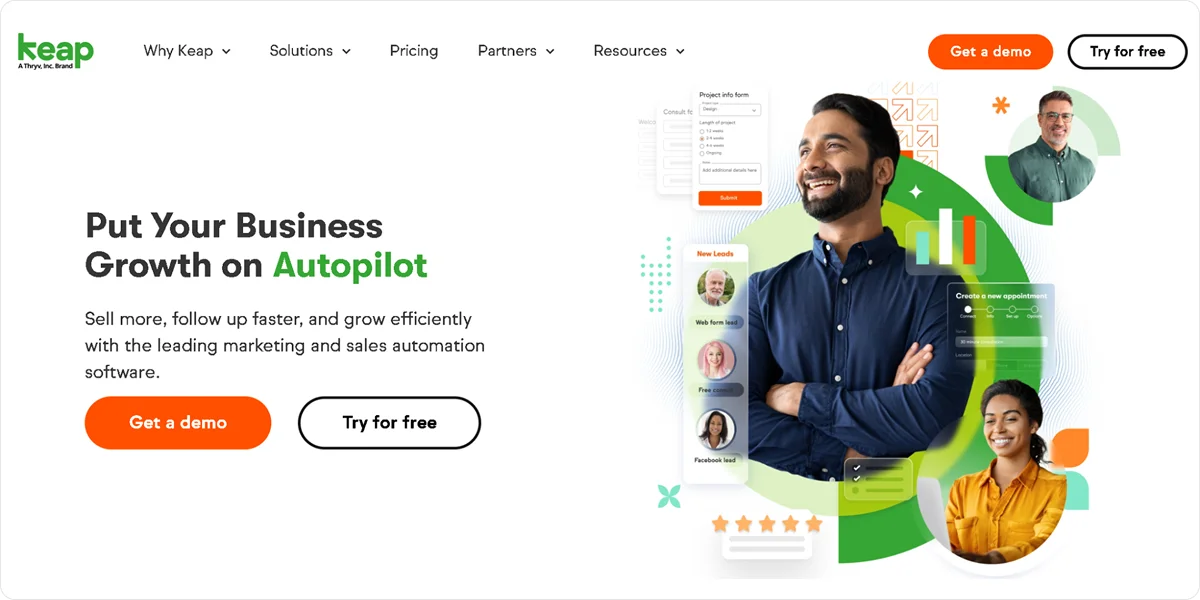
Keap is a CRM and marketing automation platform built for small service businesses that need follow-up automation alongside client management, scheduling, and invoicing in a single system. If you are currently running separate tools for email, CRM, and payments, Keap consolidates all of them under one roof.
Key Features
- Automation builder: Creates multi-step follow-up workflows using drag-and-drop logic with both simple when-then and advanced if-then branching paths
- Email and SMS follow-up: Sends automated follow-up messages across email and SMS with scheduling, personalization, and reply tracking built in
- Pipeline management: Tracks contacts through customizable sales stages and triggers automated follow-up actions when deals move between stages
- Appointment scheduling: Embeds booking links directly into follow-up emails so prospects can schedule without back-and-forth communication
- AI automation assistant: Generates follow-up sequence drafts, suggests email content, and builds workflow automations from a plain-text prompt
Pros
- Consolidates CRM, follow-up automation, invoicing, and scheduling in one platform without requiring multiple separate subscriptions
- Provides a visual, accessible automation builder with pre-built templates covering the most common follow-up scenarios
- Connects pipeline stage changes directly to follow-up triggers, keeping outreach tied to actual deal activity
Cons
- Requires a mandatory implementation fee starting at $500 for all new accounts before the system goes live
- Suits service businesses most closely, making it less relevant for teams that only need outbound cold email follow-up
Pricing
Keap pricing starts at $299 per month on a monthly billing for up to 1,500 contacts and two users. Additional users cost $39 per user per month. A mandatory implementation fee starting at $500 applies to all new accounts. A 14-day free trial is available.
Not best for: Teams that only need email follow-up automation and do not use the platform's CRM, invoicing, or scheduling features.
5. GetResponse
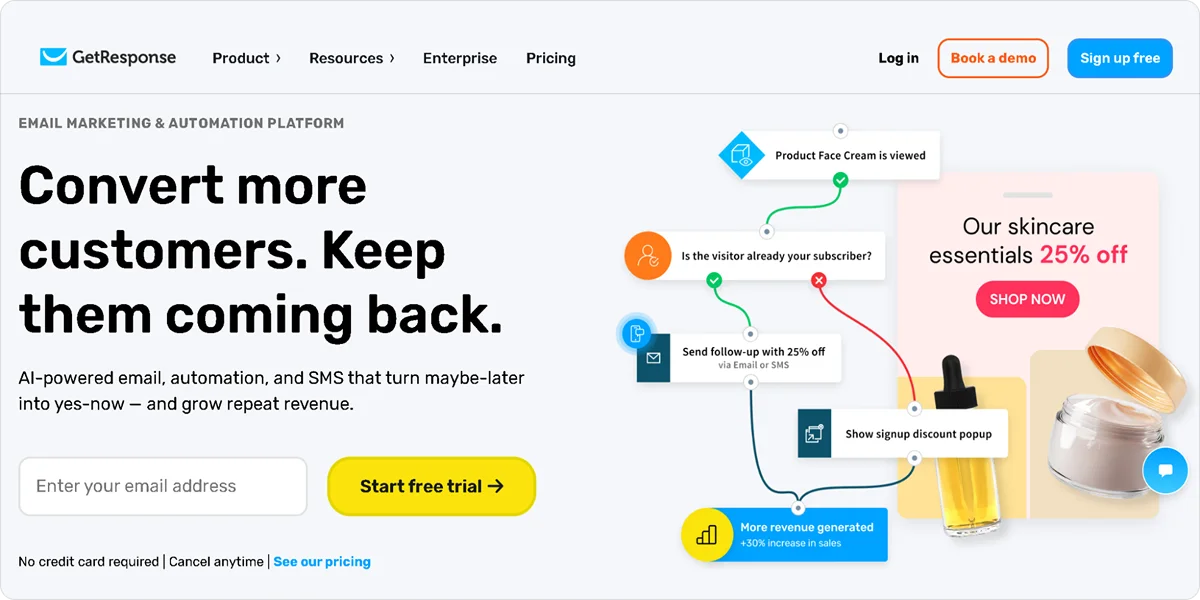
GetResponse is an all-in-one email marketing platform that handles follow-up automation through visual workflow builders, autoresponders, and behavior-based sequences. It is one of the few platforms at its price point that includes unlimited email sends on all paid plans, making costs predictable as your list grows.
Key Features
- Visual workflow builder: Creates follow-up automations using drag-and-drop logic with behavioral triggers, conditional branching, and wait conditions
- Autoresponder sequences: Builds and schedules multi-step follow-up email series triggered by sign-ups, link clicks, purchases, or custom events
- Behavioral segmentation: Segments contacts based on email engagement, website visits, and purchase behavior for more targeted follow-up
- Webinar follow-up: Triggers different follow-up sequences automatically for webinar registrants, attendees, and non-attendees
- Ecommerce flows: Activates abandoned cart recovery, post-purchase follow-up, and product recommendation sequences from Shopify, WooCommerce, and BigCommerce
Pros
- Includes unlimited email sends on all paid plans, removing volume restrictions as your list and campaign frequency grow
- Combines webinar hosting and automated follow-up in one platform, removing the need for a separate webinar tool
- Provides a free plan for up to 500 contacts so you can test workflows before committing to a paid subscription
Cons
- Locks the full visual automation builder and advanced segmentation behind the Marketer plan, limiting the Starter plan for teams with complex follow-up needs
- Delivers less consistent deliverability than dedicated cold email platforms, which affects performance on high-volume prospecting campaigns
Pricing
GetResponse offers a free plan for up to 500 contacts with limited features. The Starter plan costs $19 per month for up to 1,000 contacts with unlimited email sends and basic automations.
Not best for: Teams running pure cold outreach or high-volume prospecting campaigns, where dedicated cold email platforms deliver better deliverability.
6. Saleshandy
Saleshandy is a cold email automation platform built for teams that need to run high-volume follow-up campaigns across unlimited inboxes without paying per seat. It includes a built-in lead finder, AI sequence generation, and sender rotation across all plans, covering prospecting and follow-up in one tool.
Key Features
- Unlimited inbox follow-up: Connects unlimited email accounts on all plans and rotates sending automatically to protect deliverability at scale
- AI sequence generation: Builds complete multi-step follow-up sequences from a prompt, including email copy, timing, and follow-up variations
- Lead finder: Searches a database of over 700 million contacts to find and verify prospect email addresses directly within the platform
- Sender rotation: Distributes follow-up emails across multiple inboxes automatically to maintain safe sending volumes per account
- CRM integration: Syncs contact data, sequence activity, and replies with HubSpot, Salesforce, Pipedrive, and Zoho
Pros
- Scales follow-up volume across unlimited inboxes without per-seat costs that increase as the team grows
- Combines prospecting and follow-up in one platform, removing the need for a separate lead database tool
- Includes unlimited team members on agency-tier plans, making it more cost-effective than competitors that charge per client workspace
Cons
- Covers email-only follow-up with no native LinkedIn, SMS, or phone capabilities for multichannel sequences
- Restricts AI writing tools and some advanced analytics to higher-tier plans rather than making them available across all tiers
Pricing
Saleshandy pricing starts at $36 per month for the Outreach Starter plan, which includes unlimited email accounts and follow-ups, 2,000 active prospects, and 6,000 emails per month. A 7-day free trial is available.
Not best for: Teams that need multichannel follow-up, including LinkedIn or SMS, or businesses that need built-in CRM and pipeline management alongside their outreach.
7. Smartlead
Smartlead is a cold email platform built around deliverability infrastructure, making it a strong fit for agencies and high-volume outreach teams that need per-mailbox performance analytics and client management in one place. Its unlimited mailboxes and warmup on all plans set it apart from platforms that charge extra for deliverability features.
Key Features
- Unlimited mailboxes: Connects unlimited email accounts and domains on all plans without additional per-account fees
- AI inbox warmup: Runs automated warmup simultaneously on all connected mailboxes to build sender reputation before and during campaigns
- Per-mailbox analytics: Tracks open rates, reply rates, and bounce rates broken down by individual mailbox to identify and fix deliverability problems before they affect overall campaign results
- Unified master inbox: Consolidates replies from all connected accounts into a single inbox view for managing conversations without switching between accounts
- Dynamic sequences: Adjusts follow-up emails automatically based on prospect behavior, sending different messages to contacts who opened versus those who ignored previous touches
Pros
- Surfaces per-mailbox deliverability data that aggregate campaign stats hide, letting you catch problem accounts early
- Protects sender reputation across every connected account through unlimited warmup included on all plans
- Presents branded client reporting through white-label dashboards on higher-tier plans without revealing the underlying tool
Cons
- Charges $29 per client workspace as an add-on for agency white-labeling, which compounds quickly across multiple accounts
- Restricts API access and native CRM integrations to the Pro plan, limiting automation for teams that need to connect Smartlead to an existing stack on the Basic tier
Pricing
Smartlead pricing starts at $39 per month on a monthly billing for the Basic plan, which includes 2,000 active leads, 6,000 emails per month, unlimited mailboxes, and unlimited warmup.
Not best for: Teams that need multichannel outreach beyond email or want a built-in lead database without relying on a separate prospecting tool.
How We Capture Sales Handles Follow-Up Automation
Most follow-up tools hand you a platform and expect you to figure it out. We Capture Sales works differently. Every engagement starts with a one-on-one discovery conversation to understand your pipeline, your team's workflow, and what a practical solution actually looks like for your business before anything gets built.
The core follow-up product, Pipeline Revival, ingests your existing CRM or CSV data and runs targeted email and SMS sequences that adapt based on how each prospect responds. Engaged contacts are automatically routed to a Calendly booking link or your website, without anyone on your team having to step in manually.
Every solution runs on private, AWS-based infrastructure. Your data is never sold, shared, or used to train public AI models. And support does not stop at go-live. The system evolves with your business through ongoing refinement after implementation.
Not sure which part of your follow-up process to automate first?
Schedule a meeting to find out exactly where to start.
Frequently Asked Questions
What is follow-up automation?
Follow-up automation uses software to send pre-scheduled or behavior-triggered messages to prospects after an initial contact, without requiring a rep to manually execute each touch. The system tracks engagement, adjusts timing, and routes prospects based on their responses, so no lead goes uncontacted because someone was too busy to follow through.
How many follow-ups does it take to convert a prospect?
Most B2B deals require between two and six follow-up touches before a conversion happens, and the majority of reps stop after one. Automated sequences ensure the full follow-up cadence runs for every contact in your pipeline, regardless of how busy your team gets.
What is the difference between a follow-up automation tool and a custom follow-up system?
A follow-up automation tool is a self-serve platform you configure and manage independently within its existing feature set. A custom follow-up system is built around how your team already operates, with logic, channels, and data handling specific to your business and ongoing support after go-live. The right choice depends on how well your workflow fits what a standard product can deliver.


