




UiPath alternatives are worth considering if you have run into the platform's well-documented limitations around cost, complexity, or fit. UiPath remains a capable enterprise robotic process automation (RPA) tool, but its licensing model, implementation overhead, and bot-based architecture are a poor match for a growing number of teams in 2026.
This article covers 7 of the best UiPath alternatives for automation in 2026, what each one does well, and how to choose between them.
Key Takeaways
- UiPath's pricing complexity and implementation overhead make it a poor fit for most teams outside large enterprises with dedicated RPA programs
- The best alternative depends on what you need to automate: desktop and legacy systems need RPA, modern SaaS stacks are better served by API-first tools
- Some tools on this list cover API-based automation at a fraction of UiPath's cost with no bot fragility or specialist dependency
- For B2B businesses needing operational AI automation across sales, marketing, and intelligence functions, a custom system built around their workflows will outperform any off-the-shelf platform
Why Teams Look for UiPath Alternatives
UiPath is not losing customers because it stopped working. The problems show up when companies outside the large enterprise profile try to fit themselves into it.
- Pricing is hard to predict: UiPath's platform unit model means production deployments with attended robots, unattended robots, and developer licenses quickly run into five figures annually. Add-ons like AI Center and Document Understanding are priced separately on most plans.
- Implementation takes longer than expected: Getting UiPath running in production requires Studio, Orchestrator, robot infrastructure, and, in most cases, a certified developer or implementation partner. The time and cost between decision and working automation is significant for teams without that capacity in-house.
- Bot maintenance compounds over time: UiPath automates by interacting with software interfaces, which means bots break when vendor UIs change. Teams running many bots in production carry a real ongoing maintenance burden regardless of UiPath's resilience features.
- AI capabilities are add-ons, not native: Document Understanding, AI Center, and Autopilot require additional licensing on most plans, which pushes teams toward platforms where AI is built into the core product.
7 Best UiPath Alternatives to Consider for Automation
The tools below span the full automation spectrum, from enterprise RPA and iPaaS to API-first workflow builders and custom AI systems. The table below gives you a quick overview before the full breakdown.
One thing worth noting is that We Capture Sales operates differently from every other tool on this list. Rather than a platform you buy and configure, it is a fully custom AI system built around your specific workflows and operational needs. It is included here for teams that need more than a standard software product can deliver.
1. We Capture Sales
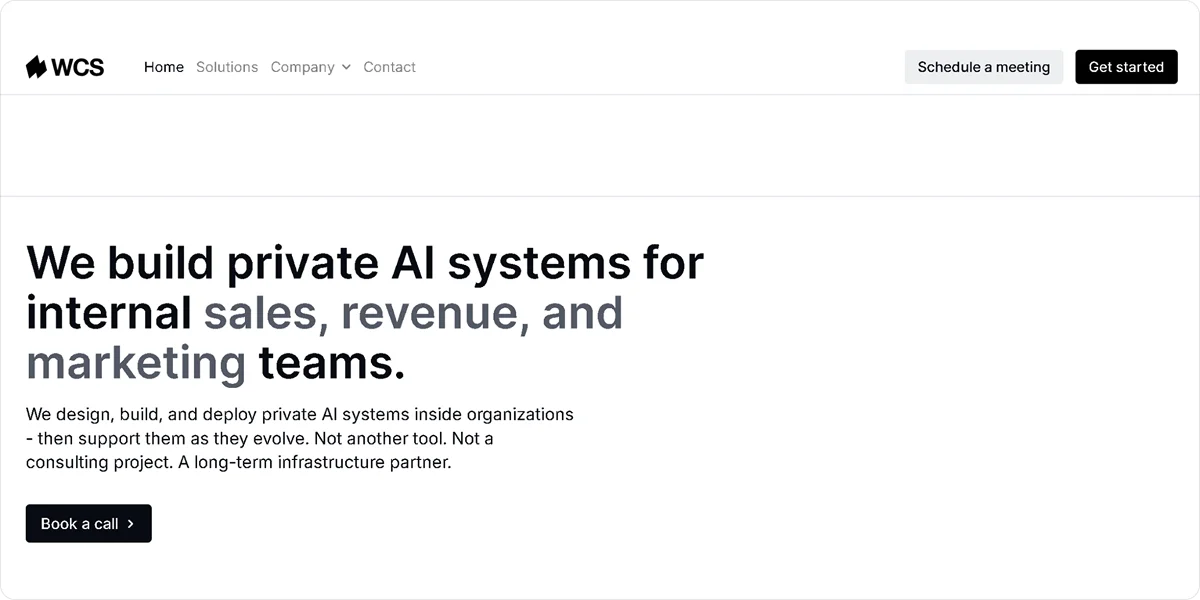
We Capture Sales is a custom AI automation system built for B2B businesses that need operational automation across sales, marketing, and intelligence functions in one place. The system is designed around how your business operates rather than a generic platform your team configures to approximate the same result.
Use We Capture Sales if:
- Your automation needs span sales, social media, market intelligence, and pipeline management, and you want them connected rather than running across separate tools
- Your workflows have specific requirements that generic platforms cannot accommodate without significant workarounds
- Your team does not have the technical capacity to build and maintain automation infrastructure independently
- You want ongoing support and system refinement after go-live as your business evolves
Best for: B2B businesses that need AI-powered operational automation built around their specific workflows rather than a standard SaaS product.
Key Features
- Knowledge Cloud: Centralizes your internal business knowledge and makes it available to every AI system running your workflows
- Social AI: Generates and publishes branded social content tied to your market positioning across different social media platforms
- Market Miner: Monitors competitor activity, buyer intent signals, and market movements continuously, surfacing intelligence your team can act on
- Pipeline Revival: Ingests CRM or CSV contact data and runs adaptive email and SMS follow-up sequences, routing engaged prospects to booked meetings without manual handoff
- Private data environment: Hosts all client data on an isolated, AWS-based infrastructure that is never sold, shared, or used to train public AI models
Pros
- Builds automation logic around your specific workflow
- Covers sales AI, social automation, market intelligence, and pipeline revival in one system rather than separate tools
- Provides ongoing support and system refinement after go-live
Cons
- Requires a longer setup timeline than self-serve platforms, since the system is built around your workflows rather than handed over ready to configure
Pricing
Pipeline Revival starts at a $2,000 startup fee plus $750 per month plus usage. Market Miner starts at a $950 startup fee plus $750 per month plus usage. Knowledge Cloud and Social AI each start at a $550 startup fee plus $950 per month plus usage. Pricing varies based on your needs.
Not best for: Businesses looking for a self-serve tool they can sign up for and configure without a discovery process.
2. Automation Anywhere
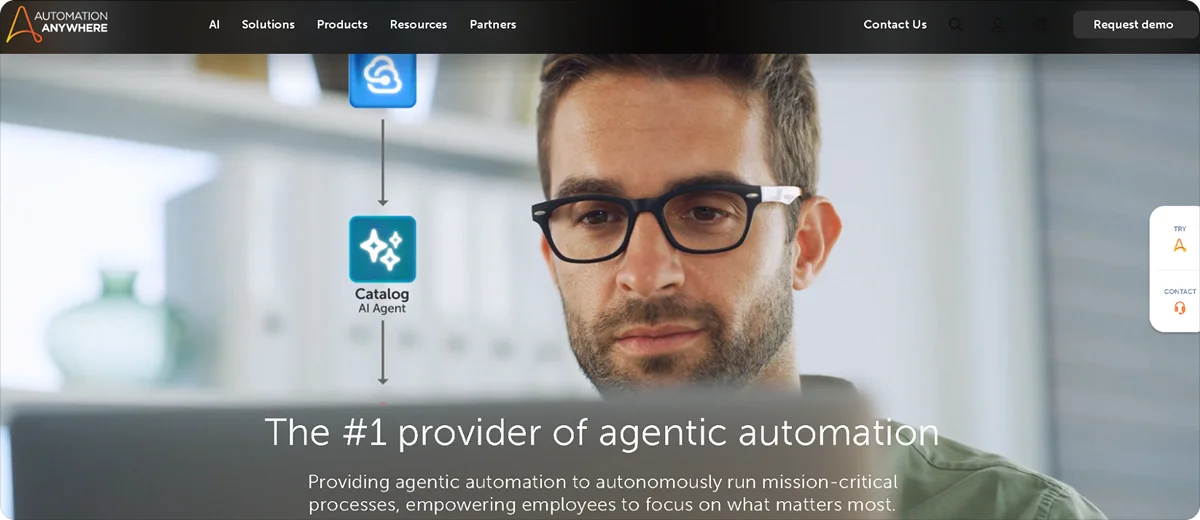
Automation Anywhere is a cloud-native RPA platform that combines traditional bot-based automation with AI agents through its Agentic Process Automation framework. It targets enterprises running complex, high-volume automation programs.
Key Features
- Agentic Process Automation: Deploys AI agents that make decisions based on real-time context and business data rather than fixed rules, handling multi-step processes autonomously
- IQ Bot: Extracts structured data from unstructured documents, including invoices, contracts, and forms, using AI and machine learning
- Automation Co-Pilot: Embeds directly into business applications so team members can trigger automations and retrieve information without switching tools
- Bot Store: Provides pre-built bots for common automation scenarios across finance, HR, and operations that teams can deploy without building from scratch
- Process Discovery: Analyzes actual user behavior to identify and prioritize automation opportunities based on real usage patterns
Pros
- Delivers cloud-native architecture with no on-premise infrastructure requirement, making deployment faster than platforms requiring server setup
- Provides a free Community Edition for individual users and small teams exploring the platform before committing to a paid plan
- Supports both attended and unattended automation from a single platform with centralized governance and audit logging
Cons
- Requires significant technical investment to deploy in production, with implementation costs commonly reaching six figures for enterprise deployments
- Prices AI-powered features like IQ Bot as add-ons, increasing total cost beyond the base subscription
Pricing
Automation Anywhere does not publish standard pricing publicly. A free Community Edition is available for individual users and non-production use. Paid plans are custom-quoted based on deployment size, bot count, and feature requirements.
Not best for: Small teams or organizations without dedicated RPA expertise, where implementation complexity and cost quickly outpace the value at limited scale.
3. Celigo
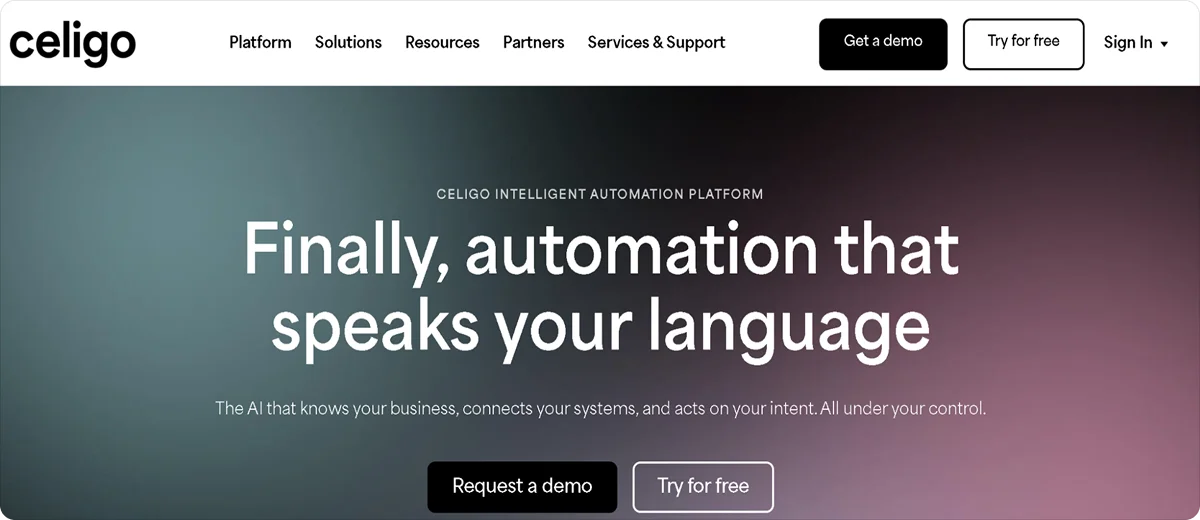
Celigo is an integration platform as a service (iPaaS) built for businesses that need to connect cloud applications, automate workflows, and synchronize data across their tech stack without extensive custom development. It is particularly strong for NetSuite-centric organizations.
Key Features
- 1,000+ prebuilt connectors: Connects popular ERP, CRM, ecommerce, and marketing platforms through pre-built integration templates that teams can install, configure, and modify without writing code
- AI-powered error management: Automatically resolves up to 95% of integration errors and explains remaining issues in plain language rather than requiring manual debugging
- API management: Builds, publishes, and governs APIs directly within the platform on Professional and Enterprise tiers, turning integrations into shareable interfaces for internal teams and external partners
- EDI support: Manages trading partner connections and EDI transactions alongside standard integrations, rated number one EDI software of 2026 on G2
- Operations Dashboard: Monitors all active integration flows in real time and alerts teams when flows fail or encounter errors, with error recovery and retry available without developer involvement
Pros
- Charges based on endpoints and flows rather than per task or transaction, making costs predictable as automation volume grows
- Includes AI-assisted flow building, prebuilt templates, and Celigo University training resources, reducing the learning curve for non-technical users
- Earned Visionary recognition in the 2026 Gartner Magic Quadrant for iPaaS for the third consecutive year, reflecting proven enterprise-grade capability
Cons
- Does not publish standard pricing publicly, requiring a sales conversation to determine actual cost before evaluation can begin
- Advanced customizations and complex integrations beyond prebuilt templates typically require JavaScript knowledge or specialist support
Pricing
Celigo offers a free plan with two endpoints and one flow after a 30-day free trial with unlimited access. Paid plans are custom-quoted based on the number of endpoints and active flows..
Not best for: Teams that need transparent, self-serve pricing before committing to evaluation, or organizations whose automation needs go primarily beyond ERP and SaaS integration.
4. Zapier

Zapier is a no-code workflow automation platform that connects over 9,000 applications through a trigger-action model non-technical users can operate without writing code. Its AI Copilot generates complete Zap structures from plain-language descriptions.
Key Features
- Multi-step Zaps: Chains multiple actions across different apps in a single automated sequence triggered by one event
- Paths: Routes data through different branches based on conditions, enabling conditional logic without code
- Zapier Copilot: Generates complete Zap structures from plain-language descriptions, reducing manual setup for non-technical users
- 8,000+ integrations: Covers the broadest app ecosystem of any tool on this list, including many niche or industry-specific platforms not available elsewhere
- Zapier MCP: Connects AI agents to Zap workflows through Model Context Protocol, letting AI tools trigger and interact with automations directly
Pros
- Enables non-technical users to build and maintain automations independently without developer involvement or coding knowledge
- Filters, Paths, and Formatter steps do not count toward task limits, reducing effective cost on complex multi-branch workflows
- Offers the widest app compatibility of any tool on this list, making it the go-to choice for connecting niche or industry-specific SaaS tools
Cons
- Charges per task with costs compounding quickly on multi-step workflows
Pricing
Zapier's free plan includes 100 tasks per month and two-step Zaps only. The Professional plan starts at $29.99 per month for 750 tasks with multi-step workflows and unlimited premium app access.
Not best for: High-volume automation or complex multi-branch logic, where task-based pricing makes costs unpredictable and Make or n8n deliver significantly better value per dollar.
5. n8n
n8n is an open-source, fair-code workflow automation platform built for technical teams that want maximum flexibility and full data control. Its Community Edition can be self-hosted on any infrastructure for free with unlimited workflow executions.
Key Features
- Node-based workflow editor: Builds automations by connecting nodes on a visual canvas, with each node representing a trigger, action, or data transformation across 500+ integrations
- Self-hosted Community Edition: Runs the full platform on your own infrastructure at no cost with no execution limits, no workflow limits, and access to all integrations
- Native AI nodes: Integrates with LangChain-based tools, including LLM nodes, vector stores, memory, and AI agent nodes for AI-powered workflows
- Code nodes: Writes custom JavaScript or Python directly inside workflow steps for data transformations or business logic that visual builders cannot cover
- Per-execution billing: Counts one execution per complete workflow run regardless of step count, making complex workflows significantly cheaper than per-task alternatives
Pros
- Provides the Community Edition free with unlimited executions, giving technical teams a production-ready platform at infrastructure cost only
- Charges per workflow execution rather than per step, so adding more actions to a workflow does not increase cost the way it does on Zapier
- Supports 70+ native AI nodes for building agents, memory-backed workflows, and RAG pipelines directly inside the automation environment
Cons
- Requires technical comfort with APIs, data structures, and server management for self-hosted deployment, making it inaccessible for non-technical teams
- Locks SSO, advanced RBAC, and compliance features behind the Business plan at $960 per month on cloud, pricing enterprise security out of smaller teams
Pricing
The self-hosted Community Edition is free with unlimited executions. Cloud plans start at $24 per month. Enterprise pricing is custom.
Not best for: Non-technical teams or organizations without server management capacity, where the self-hosting advantage disappears, and cloud plan execution limits become restrictive.
6. Blue Prism
Blue Prism, now under SS&C Technologies, is an enterprise RPA platform built for compliance-heavy, regulated industries where governance, audit trails, and accountability are the primary requirements. It uses a digital worker model with no free production tier, positioning itself firmly at the enterprise end of the market.
Key Features
- Digital workers: Deploys unattended bots that automate end-to-end business processes with centralized scheduling, queuing, and monitoring through the Control Room
- Control Room: Provides centralized management across all digital workers, including scheduling, performance monitoring, workload management, and role-based access control
- Decipher IDP: Extracts structured data from complex documents, including invoices and contracts using machine learning with human validation workflows built in
- AI Gateway: Connects generative AI models, including GPT-4 securely into automation processes with governance controls and audit trails maintained
- Blue Prism University: Delivers structured training and certification programs for developers and process designers, supporting internal capability building
Pros
- Provides predictable annual per-bot licensing with no hidden per-user or per-environment fees, making long-term cost planning straightforward at scale
- Includes Decipher IDP and AI Gateway in the core platform rather than pricing them as separate add-ons
- Delivers governance controls and audit trails that meet requirements for regulated industries, including financial services, healthcare, and government
Cons
- Carries no free production tier, requiring a paid commitment before teams can test the platform in a real business environment
- Requires significant technical expertise to build and maintain
Pricing
Blue Prism does not publish standard pricing publicly. A 30-day free trial of the full Enterprise Edition and a 180-day Learning Edition are available for evaluation and training.
Not best for: Small teams or organizations without compliance requirements or the budget to justify per-bot annual licensing at enterprise scale.
7. Appian
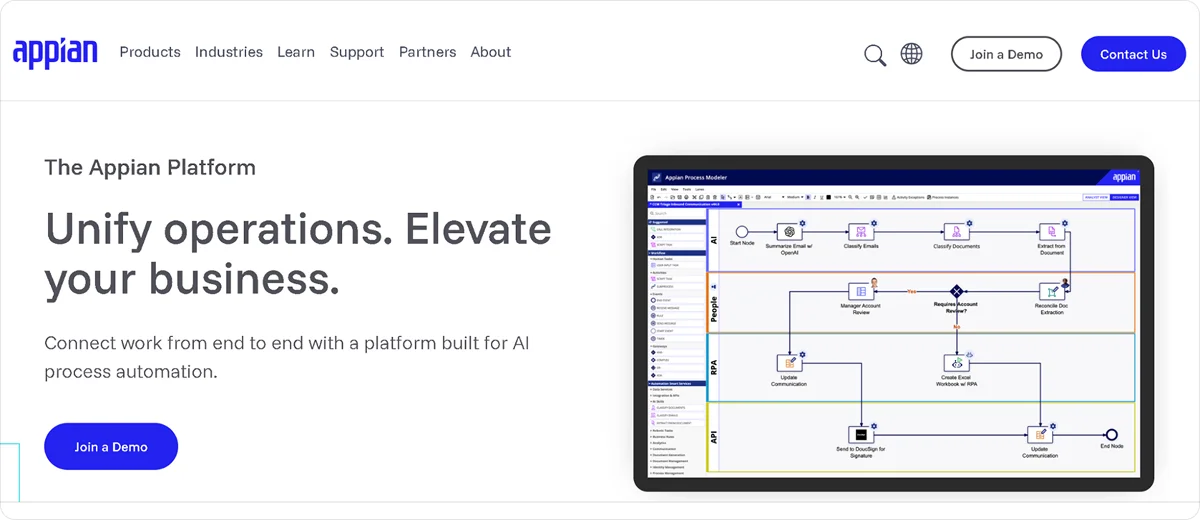
Appian is a low-code platform that combines process automation, case management, and custom business application development in one system. It suits enterprises running complex, multi-step workflows that involve human decisions, dynamic routing, and data from multiple enterprise systems.
Key Features
- Process designer: Builds automated workflows with drag-and-drop visual design covering approvals, routing, and notifications without custom code
- Case management: Manages complex, long-running processes that involve human decisions, exceptions, and dynamic routing across teams
- Appian AI Copilot: Assists developers in building applications faster by generating workflow components and suggesting configurations
- Data Fabric: Connects and virtualizes data from multiple enterprise systems including Salesforce, SAP, and legacy databases without requiring data migration
- AI agents: Deploys AI agents that execute workflow tasks autonomously using natural language, with governance controls and human escalation paths built in
Pros
- Combines process automation, case management, low-code app development, and AI in one platform without requiring separate tools for each function
- Connects to enterprise data sources through Data Fabric without migration, preserving existing data governance while enabling automation
- Carries strong analyst recognition from Gartner and Forrester across multiple categories, supporting enterprise procurement and compliance requirements
Cons
- Does not publish pricing publicly, requiring a sales conversation before teams can evaluate the total cost
- Carries a longer implementation timeline than API-first tools, typically requiring partner support for initial deployment
Pricing
Appian does not publish standard pricing. A free trial is available through the Appian website. Contact Appian directly for a pricing estimate based on team size, deployment model, and use case requirements.
Not best for: Teams looking for quick setup or transparent self-serve pricing, or organizations that need pure RPA rather than BPM and low-code application development.
Which UiPath Alternative Should You Choose?
The right choice depends on what you need to automate, your team's technical capacity, and your budget.
If your processes involve legacy systems or desktop applications with no API, traditional RPA is the right category. Automation Anywhere suits enterprises wanting cloud-native deployment with strong AI agent capabilities. Blue Prism is the better fit for regulated industries where compliance and governance are the primary requirements.
For ERP-centric integration and workflow automation across cloud applications, Celigo offers the deepest prebuilt connector library and AI-powered error management without task-based pricing surprises.
If your systems have APIs and your team is non-technical, Zapier is the fastest path to working automation, though costs scale quickly at volume. For technically capable teams where cost matters, Make delivers significantly more operations per dollar. For developer teams that want full data control and maximum flexibility, n8n's self-hosted Community Edition is one of the most capable options available at near-zero software cost.
For enterprises needing BPM, case management, and low-code app development alongside automation, Appian covers all of it in one platform.
For B2B businesses with specific operational workflows across sales, marketing, and pipeline management that need automation built around how they operate rather than a platform to configure, We Capture Sales builds the system around you.
How We Capture Sales Fills the B2B Automation Gap
Every platform on this list gives you the tools to build automation. We Capture Sales builds it for you.
The difference matters more than it sounds. Most teams that struggle with automation platforms do not have a tool problem. They have a fit problem: the platform was built for the broadest possible market, and their workflows are specific enough that every implementation involves workarounds, maintenance overhead, and features they never use.
We Capture Sales starts with a one-on-one discovery conversation to understand your business before anything is designed. What gets built is a custom AI system tailored to your workflows, your data, and how your team actually operates.
The core products address the functions where B2B teams lose the most time:
- Social AI: Generates and publishes content tied to your market positioning across your active platforms, consistently, without your team doing it manually each week
- Market Miner: Tracks competitor activity and buyer intent signals in the background, delivering actionable intelligence rather than raw data your team has to interpret
- Pipeline Revival: Works through your existing CRM or CSV contacts, running adaptive email and SMS sequences that convert engaged prospects into booked meetings without manual follow-up
- Knowledge Cloud: Organizes your internal business knowledge and feeds it into every AI system running your workflows, so every automation works from an accurate foundation
All client data runs on isolated, private AWS infrastructure. Nothing is sold, shared, or used to train public models. And unlike a platform handover, support continues after go-live.
If you want automation built around your business rather than a platform to build on top of, schedule a free consultation.
Frequently Asked Questions
Is there a free alternative to UiPath?
Yes. n8n's self-hosted Community Edition is completely free with unlimited executions. Make and Zapier both offer free plans with limited monthly operations. Automation Anywhere offers a free Community Edition for non-production use. Celigo provides a free plan with two endpoints and one flow after a 30-day trial.
Can I automate my business without a technical team?
Yes, but the approach matters. No-code tools like Zapier work well for simple, linear workflows your team can set up and manage independently. For more complex operational automation across sales, marketing, and pipeline management, a managed solution like We Capture Sales removes the technical burden entirely since the system is built and maintained for you.
Can I automate my business without a technical team?
Yes, but the approach matters. No-code tools like Zapier work well for simple, linear workflows your team can set up and manage independently. For more complex operational automation across sales, marketing, and pipeline management, a managed solution like We Capture Sales removes the technical burden entirely since the system is built and maintained for you.


