




AI automation has moved from a competitive advantage to a standard part of how B2B businesses operate. The question most business owners are sitting with now is not whether to automate, but which tools are worth the investment for their specific workflows and how to get them running without a lengthy implementation process.
This article covers the best AI tools for business automation in 2026, what each one does well, where it fits best, and how to match the right tool to the way your team operates.
Key Takeaways
- The best AI tool for your business is the one that fits your specific workflows, not the one with the most features
- Generic automation tools work well for standard, repeatable processes. Custom-built systems are the stronger investment when your workflows require specific logic, integrations, or data privacy controls
- The highest-impact automation opportunities for B2B teams sit in sales outreach, content production, market intelligence, and internal knowledge management
- Where your data goes and who has access to it should be part of every tool evaluation, not an afterthought
- Starting with one well-executed automation produces faster returns than deploying five tools at once
Why Your Business Needs an AI Automation Tool in 2026
88% of companies are already applying AI across business operations. The gap between businesses that automate and those that do not is showing up in output, response times, and pipeline performance.
Your team has a finite amount of time. Most of what it consumes does not require human judgment at every step:
- Following up with contacts who have not responded
- Producing social content across multiple platforms every week
- Researching competitor activity and building prospect lists
- Finding internal information scattered across drives and email threads
AI automation handles the execution on all of that. Your team focuses on the conversations, decisions, and relationships that actually need a person behind them.
The businesses seeing the clearest returns are not automating everything at once. They pick one process, automate it well, and build from there.
7 Best AI Tools for Business Automation in 2026
The tools below cover the core automation needs most B2B teams run into across sales, marketing, operations, and knowledge management. Each one is evaluated on what it does well, where it falls short, and which business profile it fits best.
1. We Capture Sales - Best for B2B Sales, Marketing, and Operations Automation
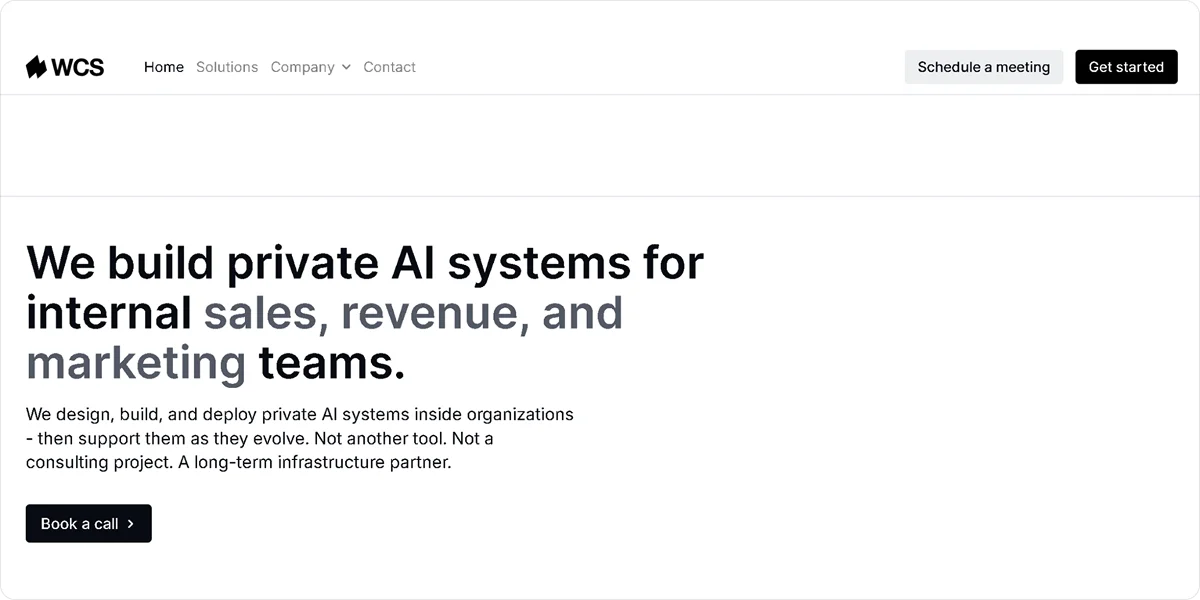
We Capture Sales builds a single custom AI system around the functions your business needs, rather than giving you a platform to configure yourself. For B2B teams running outreach, content, market intelligence, and knowledge management simultaneously, that distinction matters. It is one of the more direct applications of AI sales automation available to a B2B team today.
Key Features
- Pipeline Revival: Ingests your existing CRM or CSV contacts and runs email and SMS sequences that adapt based on open rates and response rates, routing engaged prospects to a Calendly booking link or your website without manual handoff
- Social AI: Generates branded posts from a URL or text input across Instagram, X, Facebook, and LinkedIn, with AI-produced images and hashtags, organized in a content calendar your team copies and posts manually
- Market Miner: Scrapes competitor activity and contact data filtered by industry and location, delivering clean CSV exports your team can load into a CRM or outreach tool directly
- Knowledge Cloud: Stores your internal business knowledge in a private AI database, source-linked and fully private, so every AI system running your workflows draws from accurate, current information
- Our AI Office: Serves as the core product and entry point, combining the foundational AI capabilities your business needs to get started, with add-on products available as your automation needs grow
Pros
- Builds a single custom system around your specific workflows rather than a generic use case
- Operates on private, fully isolated AWS infrastructure per client
- Replaces multiple disconnected tools with one connected system
- Prices per organization regardless of headcount
Cons
- Takes longer to deploy than an off-the-shelf platform
Pricing
We Capture Sales pricing starts with Our AI Office at $450 startup and $395 per month plus usage. Add-ons include Pipeline Revival ($1,500 startup + $1,100/month), Social AI ($550 startup + $695/month), Market Miner ($950 startup + $750/month), and Knowledge Cloud ($550 startup + $745/month). All plans are usage-based and priced per organization. Custom SaaS is available at custom pricing.
2. Zapier - Best for Connecting Existing Tools Without Code

Zapier connects apps and lets your team create automated workflows in plain language without writing code. If your team uses tools that do not natively communicate with each other, Zapier is one of the fastest ways to connect them without a developer.
Key Features
- App integrations: Connects over 9,000 business tools including CRMs, email platforms, and project management tools
- Natural language workflow creation: Builds automated workflows from plain language descriptions without manual logic setup
- AI agents: Executes tasks autonomously across integrated apps based on defined triggers and conditions
- Built-in tables and forms: Collects and stores data within Zapier without needing a separate database tool
Pros
- Connects existing tools quickly without technical resources
- Covers most B2B tech stacks with its app library
- Gets workflows running faster than most alternatives
Cons
- Triggers runaway automation loops in high-volume workflows that accumulate billing charges before your team notices
- Limits flexibility for complex, branching workflow logic
Pricing
Zapier has a free plan available. Paid plans from $29.99/month. Enterprise pricing on request.
3. HubSpot Sales Hub - Best for Sales and Marketing Alignment
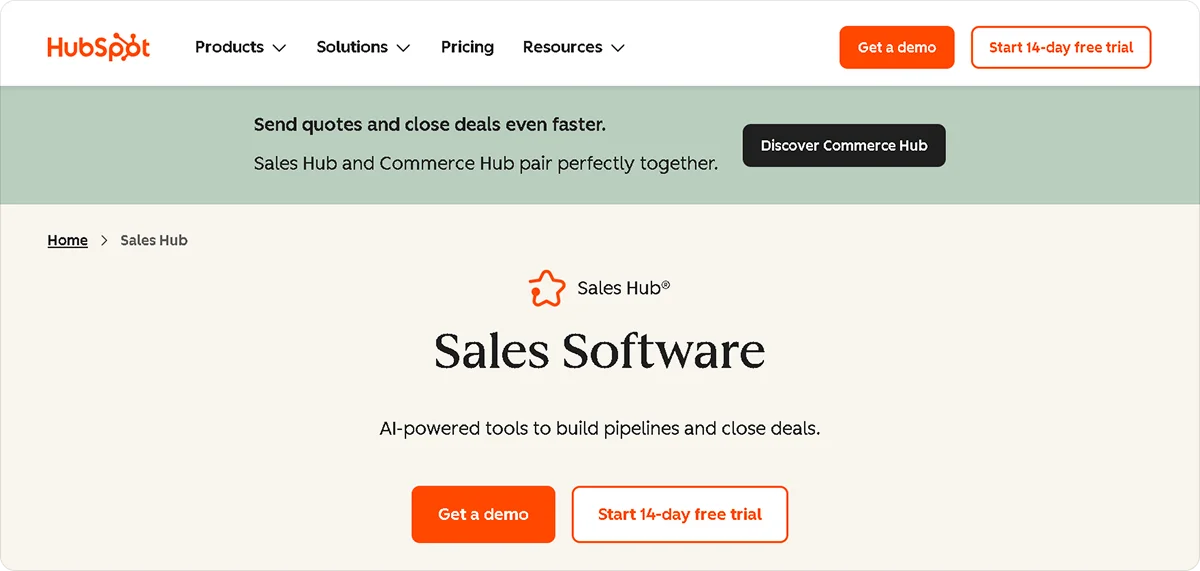
HubSpot Sales Hub is a sales platform that combines CRM, pipeline management, and AI-powered features in one place. For B2B teams where sales and marketing data currently live in separate tools, consolidating into Sales Hub removes a significant layer of coordination and gives both teams a shared view of the pipeline.
Key Features
- AI-powered lead scoring: Analyzes contact behavior and engagement data to surface contacts most likely to convert
- Email sequences: Automates personalized outreach sequences that pause or adjust based on how each contact responds
- Pipeline management: Tracks deals across every stage with AI-generated forecasts and alerts when deals need attention
- Predictive analytics: Forecasts pipeline performance based on historical data and current activity
- Gmail and Outlook integration: Logs emails, tracks opens, and syncs contact activity directly from your inbox
Pros
- Unifies sales and marketing data in one platform
- Delivers strong pipeline visibility for teams managing multiple deals simultaneously
- Integrates with a wide range of B2B tools
Cons
- Scales steeply in price as your contact list and feature requirements grow
- Requires existing pipeline data to get the most out of the AI features
Pricing
HubSpot has a free plan for up to 2 users. HubSpot Sales Hub Starter starts at $10 per seat per month. Professional is $100 per seat per month with a one-time $1,500 onboarding fee. All paid plans require an annual commitment.
4. Make - Best for Visual Workflow Automation
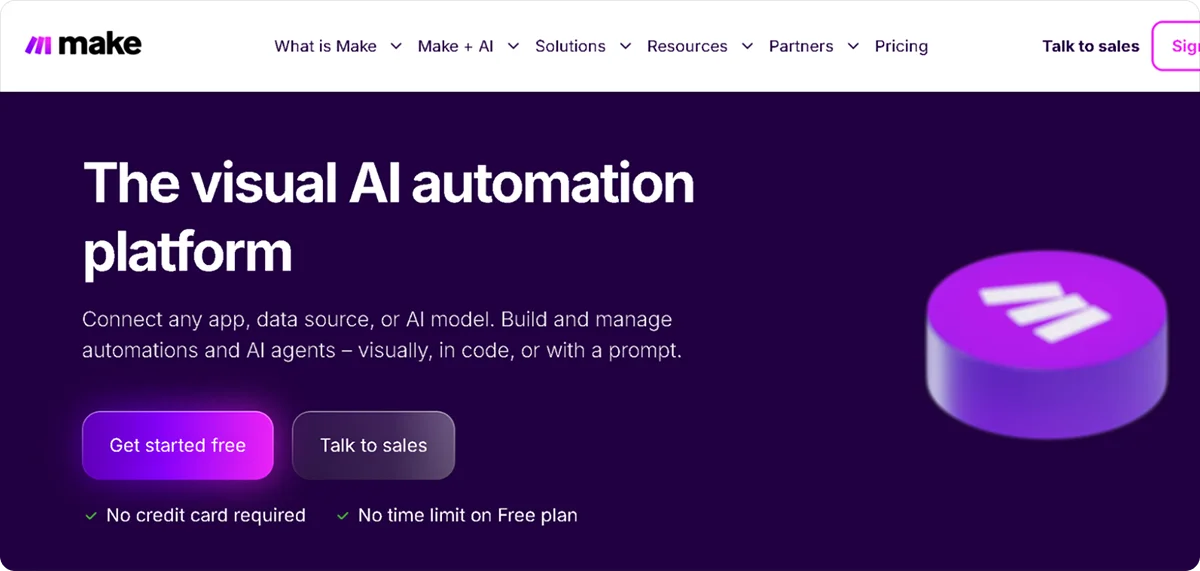
Make gives your team a visual canvas for building multi-step workflows with flexibility and without the need for full custom development. If your workflows involve conditional logic, data transformation, or multiple branching paths, Make handles that complexity more cleanly than most no-code tools.
Key Features
- Visual workflow builder: Designs multi-step automations on a drag-and-drop canvas without writing code
- Conditional logic: Builds branching workflows that respond differently based on what data comes in
- Data transformation: Converts and reformats data between tools without a separate processing step
- Wide app library: Connects to hundreds of business tools across sales, marketing, and operations
Pros
- Handles complex, multi-step workflows more cleanly than most no-code tools
- Offers more flexibility than Zapier for branching logic
- Starts at a lower price point than most alternatives
Cons
- Runs on a polling model rather than instant triggers, which introduces delays in time-sensitive workflows
- Consumes polling credits faster than expected in high-volume deployments
Pricing
Make offers a free plan. Paid plans from $10.59/month for 10,000 credits.
5. Notion AI - Best for Internal Knowledge and Documentation
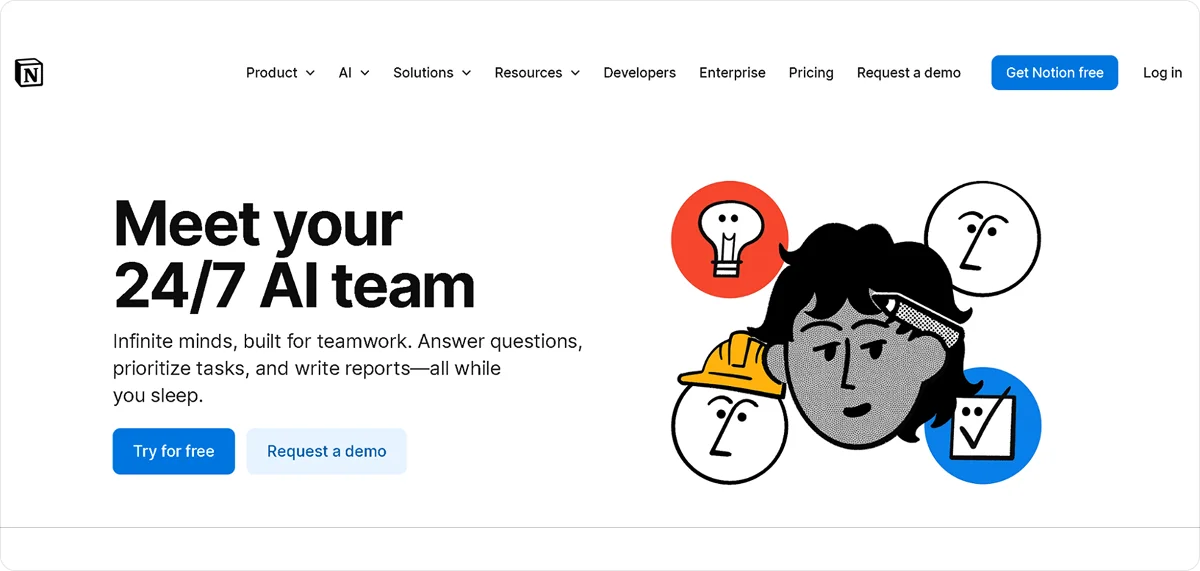
Notion AI layers artificial intelligence on top of Notion's existing workspace, helping your team generate documentation, summarize notes, and surface information from existing pages and databases. For teams with a documentation-heavy workflow, it reduces the time spent searching for information and writing internal content from scratch.
Key Features
- AI-assisted writing: Generates, edits, and summarizes documents directly inside your existing Notion workspace
- Knowledge search: Surfaces relevant information from across your Notion workspace based on what your team is working on
- Database automation: Creates and updates database entries based on defined triggers and AI-generated content
- Meeting notes: Transcribes and summarizes meeting notes directly into your workspace
Pros
- Integrates AI directly into a workspace your team already uses
- Reduces time spent writing and searching for internal documentation
- Low barrier to getting started for teams already on Notion
Cons
- Operates on shared cloud infrastructure, which matters for businesses handling sensitive client data or proprietary processes
- Limited to teams already using or willing to adopt Notion as their primary workspace
- Does not replace a purpose-built private knowledge management system for businesses with strict data requirements
Pricing
Notion AI is available as an add-on at $12 per member per month on top of an existing Notion plan.
6. ChatGPT Enterprise - Best for Cross-Departmental AI Assistance
ChatGPT Enterprise gives every department in your business access to a capable AI assistant with enhanced data privacy controls compared to the standard plan. It covers a broad range of tasks across marketing, finance, operations, and HR, making it one of the more versatile options for teams that need general AI assistance rather than a tool built for one specific function.
Key Features
- Cross-departmental AI assistance: Handles tasks across every business function from content creation to data analysis and internal communications
- Enhanced data privacy: Keeps your conversations and data off OpenAI's training models, unlike the standard ChatGPT plan
- Longer context window: Processes larger documents and longer conversations without losing context mid-task
- Admin controls: Manages user access, usage monitoring, and security settings across your organization
Pros
- Covers every department without requiring a separate tool for each function
- Provides stronger data privacy controls than the standard plan
- Handles a wide range of tasks without significant configuration
Cons
- Requires your team to actively prompt it for every task rather than running workflows autonomously
- Does not integrate directly into your existing tools and workflows without additional setup
- Custom pricing makes budget planning harder without a direct conversation with the sales team
Pricing
ChatGPT Enterprise offers custom pricing. Contact OpenAI directly for enterprise quotes.
7. n8n - Best for Technical Teams Needing Custom Workflow Automation
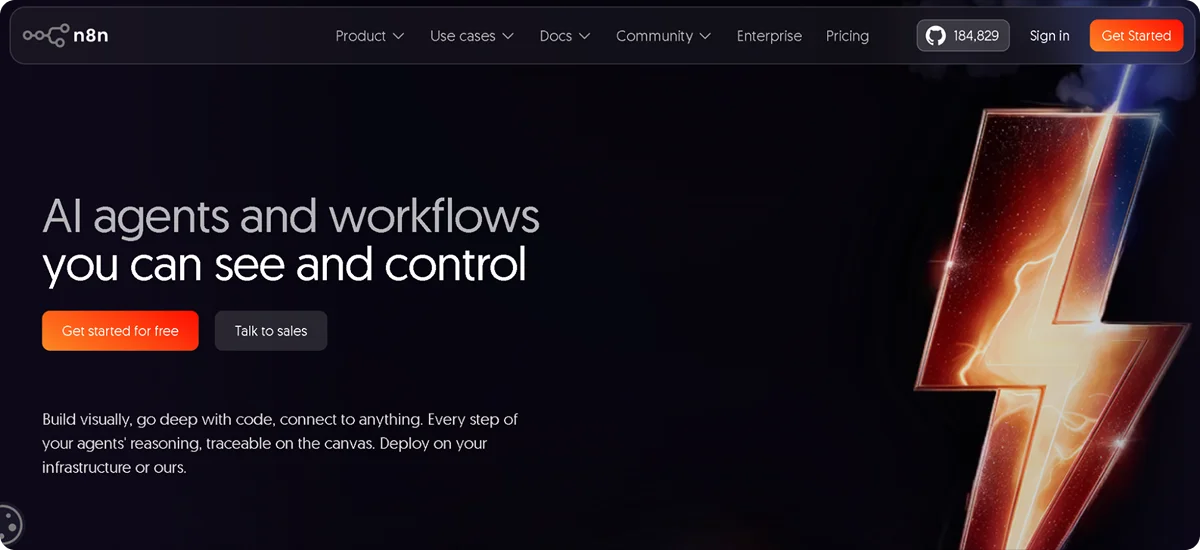
n8n is an open-source workflow automation tool that gives technical teams full control over their automation logic. Unlike Zapier or Make, n8n can be self-hosted on your own infrastructure, which matters for businesses with strict data residency or security requirements. It is more flexible than any no-code tool on this list, but it requires DevOps capability to deploy and maintain.
Key Features
- Self-hosted deployment: Runs on your own infrastructure, keeping your workflow data fully within your environment
- Custom workflow logic: Builds automation sequences with full control over branching, error handling, and data transformation
- Code execution: Runs JavaScript or Python directly inside workflows for tasks that require custom processing
- Wide integration library: Connects to hundreds of business tools with both pre-built nodes and custom API connections
Pros
- Gives technical teams complete control over workflow logic and data handling
- Self-hosted deployment keeps sensitive data off third-party infrastructure
- Handles complex automation that no-code tools cannot manage
Cons
- Requires internal DevOps capability to deploy, maintain, and troubleshoot
- Takes significantly longer to set up than Zapier or Make
Pricing
N8n is free for self-hosted deployment. Cloud plans start from $24/month.
Which AI Automation Tool Is Right for Your Business
The right tool depends on what your team needs to automate and how much technical capacity you have to manage it. Here is a simple way to think through the decision:
- If you need a complete custom AI system built around your specific B2B workflows across sales, marketing, and operations, We Capture Sales is the strongest fit. It replaces multiple disconnected tools with one connected system, which is where increasing sales with AI automation becomes a realistic outcome rather than a goal
- If you need to connect existing tools quickly without engineering resources, Zapier or Make gets you there fastest. Zapier for broad app connectivity, Make if your workflows involve more complex branching logic
- If your sales and marketing data currently live in separate tools and you want them unified with built-in AI, HubSpot is the most practical consolidation option
- If you have internal technical resources and need full workflow control on your own infrastructure, n8n gives you that flexibility without the constraints of a no-code platform
- If your team needs general AI assistance across multiple departments without committing to a function-specific tool, ChatGPT Enterprise covers that range without significant setup
- If your team runs primarily on documentation and internal knowledge sharing, Notion AI fits cleanly into that workflow without requiring a separate tool
One consideration that applies across all of these: the tools that produce the fastest returns are the ones deployed against a single, clearly defined process first. Deploying multiple tools across different functions before any one of them is running well is one of the more common reasons AI marketing automation initiatives underdeliver in the first six months.
Why We Capture Sales Is the Best AI Tool for Business Automation
Most B2B businesses do not have an automation problem. They have a fragmentation problem. Sales outreach runs on one tool, content on another, market intelligence on a third, and your team spends time coordinating between them instead of acting on the output.
We Capture Sales solves this by building a single custom AI system that connects all of those functions around how your business specifically operates. The system is built around your workflows, your data, and the edge cases your team actually runs into, not a generic template your team has to adapt to.
Every new client goes through a one-on-one discovery meeting before any trial begins.
If you want to understand how a custom system applies to your current workflows, that is where the conversation starts.
Reach out to the We Capture Sales team to schedule a call today.
Frequently Asked Questions
How do I choose an AI tool for business automation?
Start with three questions before evaluating any tool: Does it fit your specific workflow or require significant configuration to get close to what you need? Can it connect to the tools your team already uses? And where does your data go once it is inside the platform? Those three questions will narrow your options faster than any feature comparison.
What is the difference between a general AI automation tool and a custom AI system?
A general AI automation tool is built for a broad range of use cases and configured to approximate your needs. A custom AI system is built around how your business specifically operates, including your workflows, your data, and the edge cases your team runs into. The difference shows up in how much manual oversight your team needs to keep things running and how well the system adapts as your workflows change.
Is it possible to use more than one AI automation tool at the same time?
Yes, and many B2B teams do. The more practical question is whether each tool solves a distinct problem or overlaps in ways that create more coordination work than they save. Starting with one tool, getting it running well, and adding others as your needs grow tends to produce better results than deploying several at once.


